
Wink is a social networking app with over 30 million users worldwide, designed for making new friends and casual connections. Whether you’re looking to chat, make friends, or explore casual dating, Wink provides a fun and easy-to-use platform. With Wink+, you can enjoy additional perks like unlimited swipes and profile boosts.


Wink Review: Editor’s Personal Experience
Wink is a great app if you’re looking to expand your social circle and meet new people worldwide. I appreciate how easy it is to start conversations; the swipe-based system makes it simple to connect with others. The app’s global reach is impressive, allowing you to interact with users from various cultures and backgrounds. However, I’ve noticed that the presence of bots can sometimes detract from the overall experience. While Wink does have safety features in place, I think there’s still room for improvement in filtering out fake profiles.
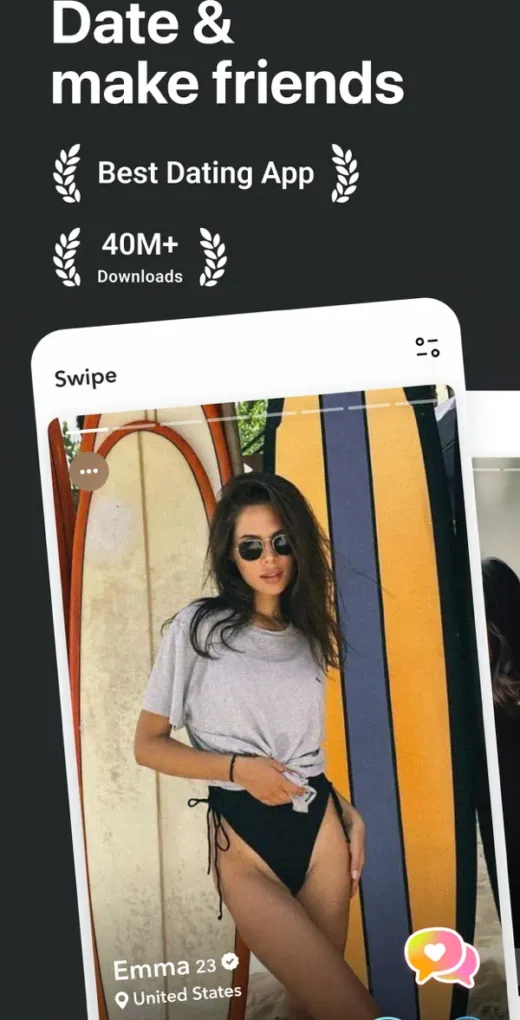
What I really like about Wink is its clean and modern design, which makes navigating the app a breeze. It’s straightforward, and even if you’re not tech-savvy, you can quickly get the hang of it. The premium features like unlimited swipes and boosts are great if you’re serious about making connections, though they can get a bit pricey. Overall, the app does a good job of helping you meet new people, whether for casual chats, friendship, or even potential dating.
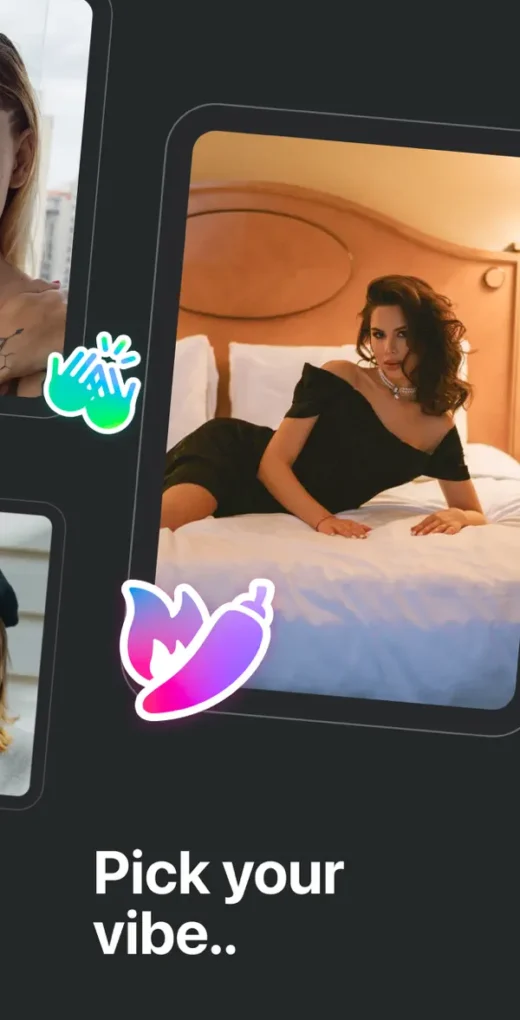
Wink is a fun and easy-to-use app, especially for younger users who are looking to make friends or just chat with people from different parts of the world. The app’s simplicity is one of its strong points—you can start using it right away without any learning curve. That said, I did come across a few fake profiles, which can be annoying. Despite this, Wink remains a solid choice for anyone wanting to connect with new people, and the option to upgrade to Wink+ adds some nice perks if you’re looking for more serious engagement.
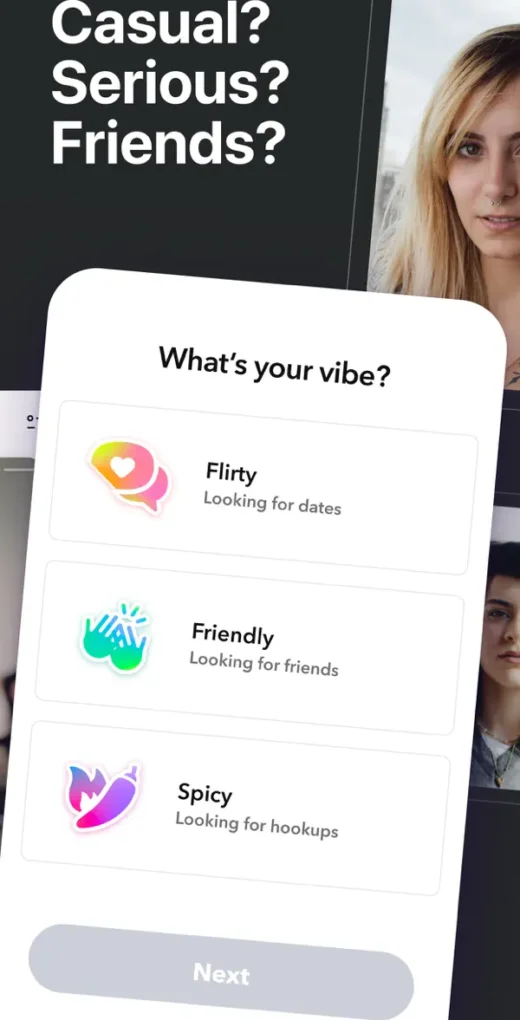
How Wink Works
Wink is a social networking app that helps you connect with new people in a fun and straightforward way. After downloading the app, you set up your profile by adding photos and a short bio, which helps others get to know you better. The app uses a swipe-based system: you swipe right if you’re interested in someone, and left if you’re not. When both you and another user swipe right on each other, you match and can start chatting instantly.
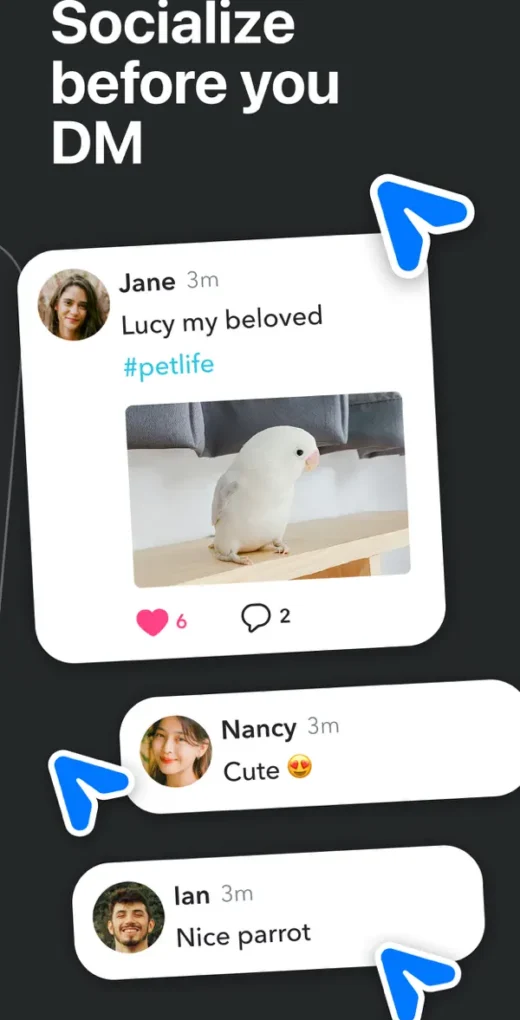
Wink also offers features like “Gems,” which you can earn or purchase to unlock additional options like sending messages before matching or boosting your profile visibility. The app is designed to be user-friendly and accessible, making it easy to start conversations and build new connections. Whether you’re looking to make new friends or just chat with interesting people from around the world, Wink provides a simple platform to do so.
Who is Wink for?
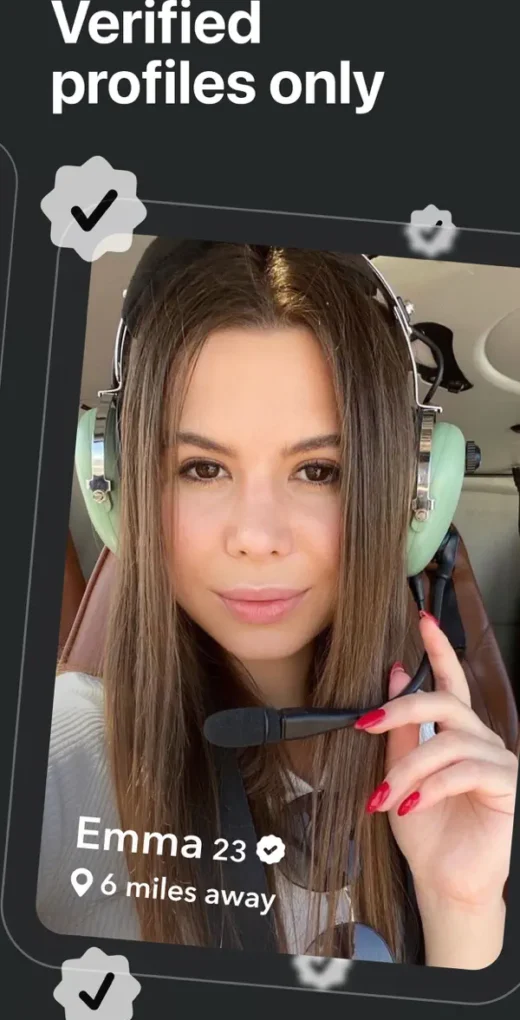
Wink is perfect for anyone who loves meeting new people and expanding their social circle, especially younger folks like teens and young adults. It’s ideal if you’re into making friends online, chatting with interesting people, or just seeing what’s out there in the world. Whether you’re looking for casual conversations, building new friendships, or even exploring potential romantic connections, Wink makes it easy and fun.
The app is super user-friendly, which makes it great even if you’re new to social networking apps. The swipe-to-match system is simple and intuitive, so you can quickly start connecting with people nearby or from different parts of the world. If you enjoy exploring new cultures, meeting diverse people, or just having a good chat, Wink is a great place to do that.
Wink Features

Snapchat Integration: Wink integrates with Snapchat, allowing you to easily exchange Snapcodes with your matches. This feature is popular among younger users who already use Snapchat as their primary social media platform.
Gems: Gems are the in-app currency on Wink. You can earn or purchase Gems to unlock additional features, such as sending messages before matching, boosting your profile visibility, or accessing premium options.
Wink+ Subscription: Wink+ offers premium features like unlimited swipes, unlimited rewinds (to undo accidental left swipes), and free weekly boosts to increase your chances of matching with others. This subscription is ideal for users who want more control and visibility on the app.